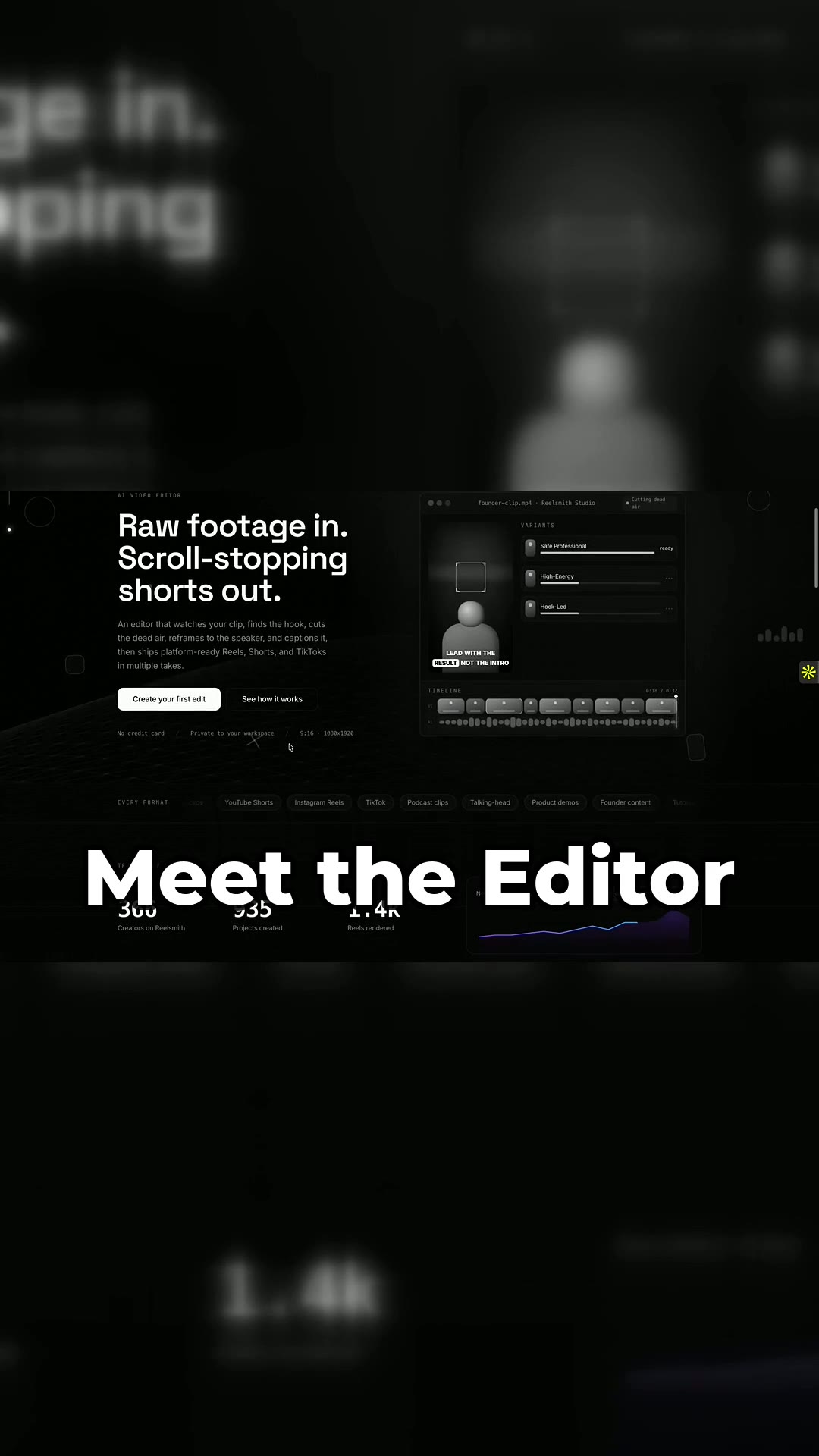
Rawfootagein.Scroll-stoppingshortsout.
Try your videos.
Drop a clip and we run the same fourteen passes on it. Make your account once the clip is in, then choose how it should look. You only pay when you want the file.
Drop your clip here
MP4 or MOV, up to 6 minutes
OR CLICK TO BROWSE
Raw footage in, scroll-stopping reels out.
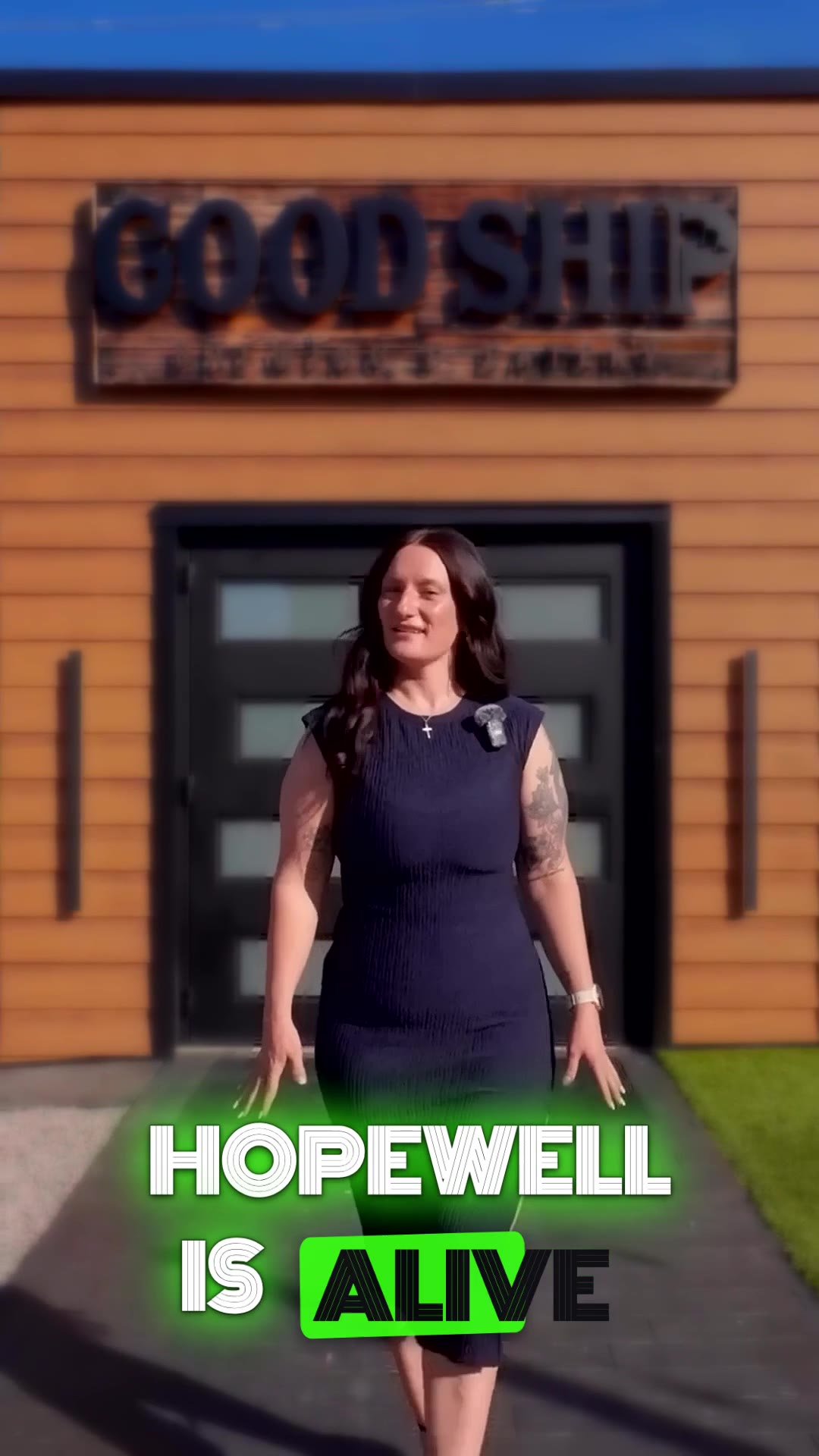
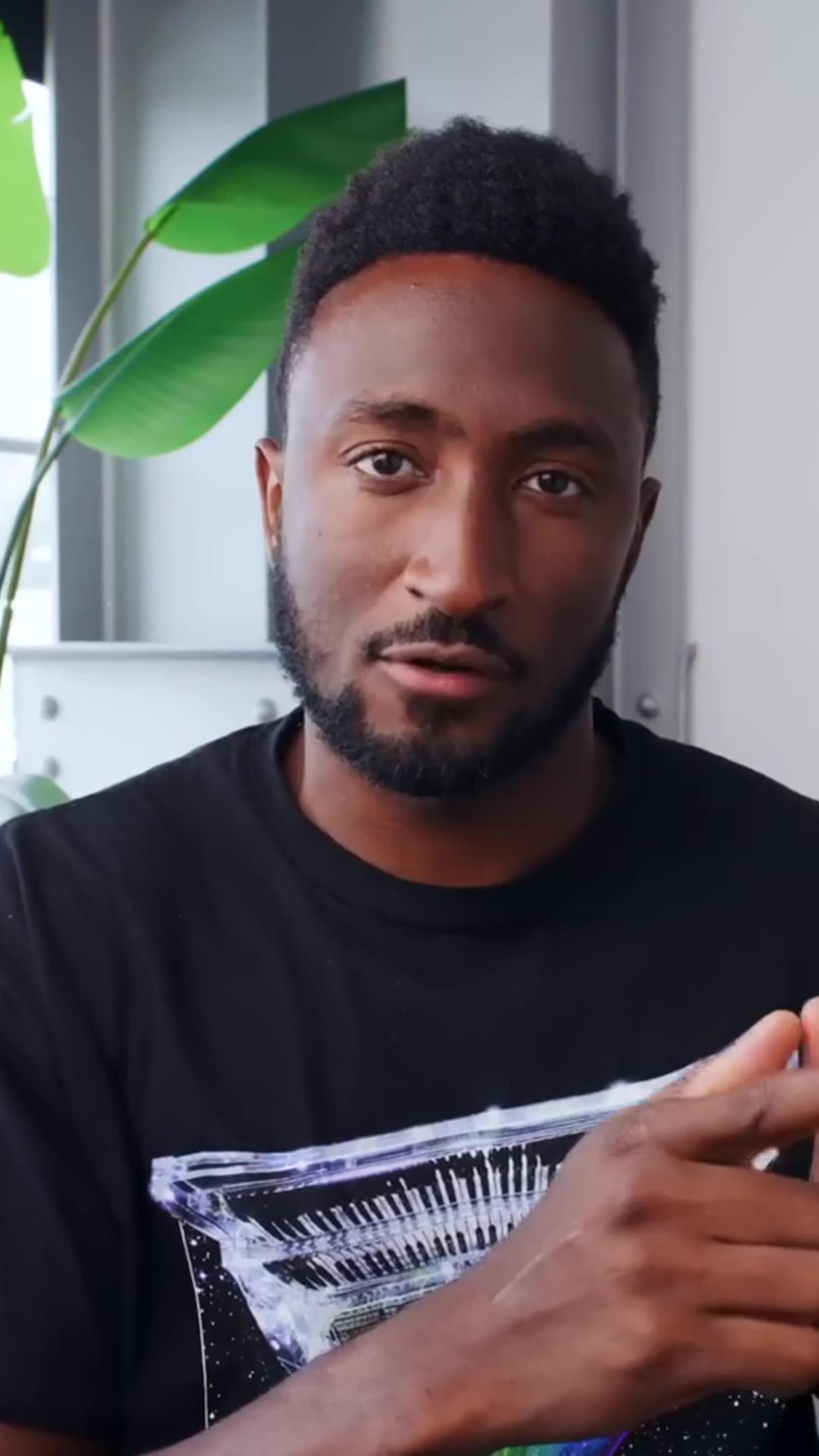
The same clip, before and after Reelsmith.video. No manual editing: it reframes to the speaker, cleans the audio, captions every word, and grades the shot for you.
Real reels, straight from the editor.



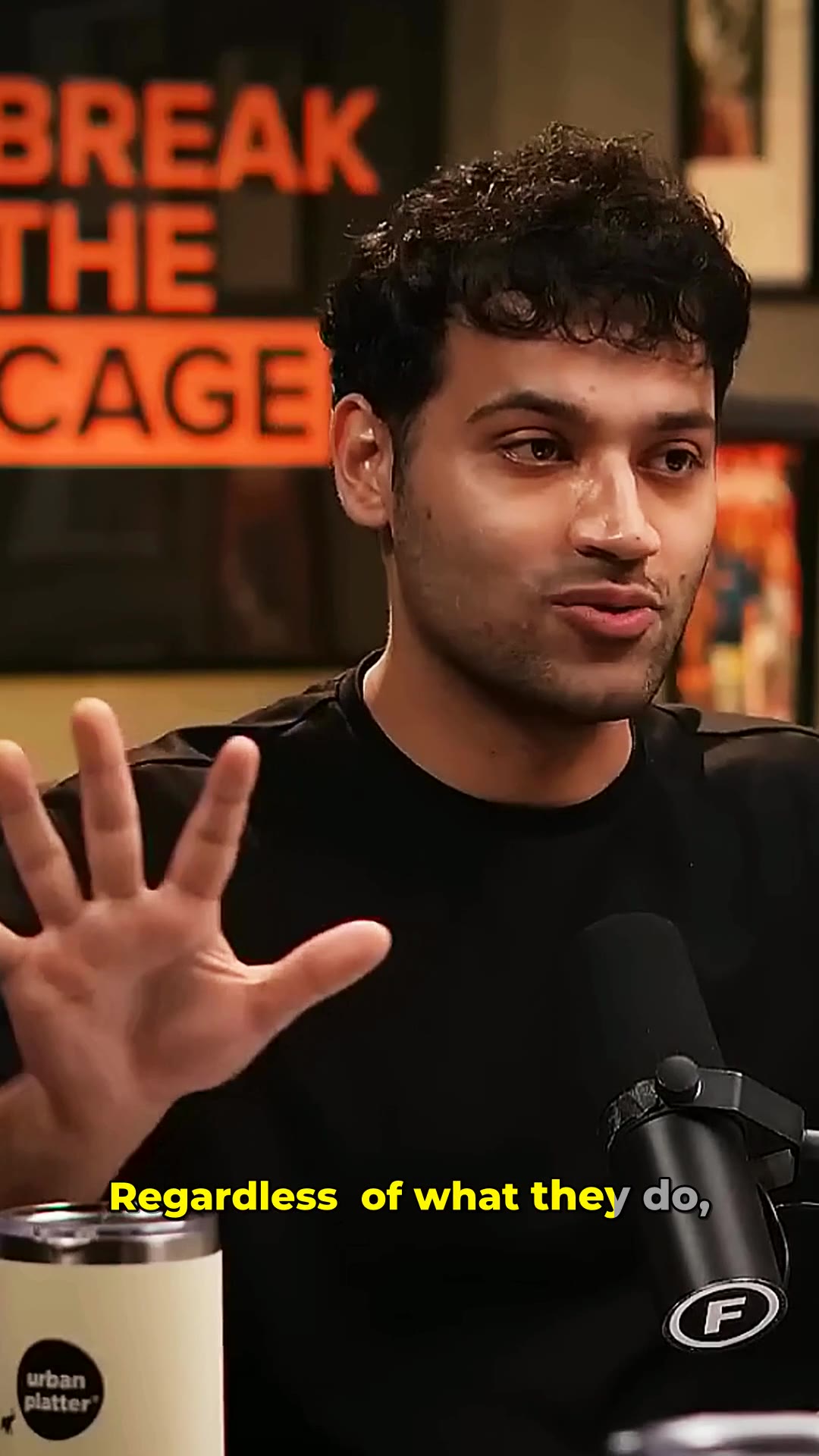
Not a template. An editor that makes decisions.
What to cut, where to zoom, which moment to open on, then it reviews its own cut and fixes what’s off.
A motion graphics library
89 cinematic effects in 8 FX Packs: anamorphic flares, shockwaves, 3D titles, callouts, neon, gold, ink. Placed by AI on your beats, tinted from your footage, editable one by one.
See the libraryFinds your hook
We transcribe your footage and open on the strongest moment, front-loaded for the scroll.
Cuts the dead air
Silences and filler words (“um”, “uh”) are trimmed to the word. Every second earns its place.
Captions that read
Word-by-word captions with keyword emphasis, built strictly from what was actually said.
Reframes to the speaker
A 9:16 crop that follows the subject, with measured push-in and punch zooms on the beats.
Beat-synced & ducked
Tempo detection snaps cuts to the beat; music ducks under speech automatically.
Edits to what it sees
A vision model reads your actual frames - favouring the sharp, well-framed shots and keeping the speaker's face centred, never half-cropped. On every paid plan.
Reviews its own cut
Every paid reel gets a self-review pass that flags awkward cuts or unreadable captions and re-renders to fix them. Same on Starter as on Studio.
You upload one file. You get a finished reel.
No timeline to learn and nothing to set up. This is the same pipeline that runs on every upload, start to finish.

Drop in the raw file
One clip, straight off your phone or a two-hour podcast. Pick a style and you are done.
It watches, then edits
Finds the hook, cuts the dead air, keeps the speaker centred, writes the captions, grades the colour, then reviews its own cut and fixes what is off.
Watch it and post
One finished 9:16 reel, cut around your strongest moment. Post it, swap the hook, or open the timeline and change anything.
A style for every format.
Pick the treatment that fits your content; we adapt the cuts, captions, and pacing to match.
Same AI quality on every plan.
Every plan runs the exact same AI editor: vision-aware planning that edits to what's on screen, active-speaker auto-reframe (face always centred), word-by-word captions, beat-synced cuts, colour grade, and a self-review QC pass. Plans differ only on how much you make, how long your source can be, upload size, and the Free watermark - never on quality.
Creator
For regular creators
a month, billed yearly, save 10% · or $2.90 a reel billed monthly
- 10 reels / moiEach upload makes one finished, ready-to-post reel and uses 1 from your monthly reels.
- AI director and every Pro effect
- 100 source minutes / mo
- 60-min max source · 6 GB uploads
- Manual fine-tune editor, no watermark
- Competitive benchmark vs top videos
- Brand kits
- Files kept while subscribed
Studio
For teams & full podcasts
a month, billed yearly, save 10% · or $3.30 a reel billed monthly
- 30 reels / moiEach upload makes one finished, ready-to-post reel and uses 1 from your monthly reels.
- 500 source minutes / mo
- 150-min max source · 12 GB uploads
- Everything in Creator
- Priority rendering
- Team workspace
Built to make every reel scroll-stopping - punchy cuts, dynamic captions and a professional finish.
Automate it with the API and MCP.
Upload footage and fetch finished reels programmatically over a clean REST API, or let AI agents drive it through the built-in MCP server (Claude and other MCP clients). Create a key, authenticate with a bearer token, and go. Usage counts against your normal plan quota, with nothing extra to buy.
POST /api/v1/videos- create + get an upload URLPOST /api/v1/videos/{id}/finalize- start processingGET /api/v1/videos/{id}- status + output URLsGET /api/v1/videos- list your videos
# 1. Create a video (returns a presigned upload URL)
curl -X POST https://reelsmith.video/api/v1/videos \
  -H "Authorization: Bearer $REELSMITH_KEY" \
  -H "Content-Type: application/json" \
  -d '{"title":"My clip","platform":"YOUTUBE_SHORTS",
       "editingStyle":"TALKING_HEAD","filename":"in.mp4",
       "contentType":"video/mp4","byteSize":52428800}'

# 2. Upload bytes -> 3. finalize -> 4. poll GET /api/v1/videos/{id}
# when status = READY, "outputs" has the reel's downloadUrlA built-in Model Context Protocol server at /api/mcp. Point Claude or any MCP client at it with your key and it can create, track, and fetch videos. No server to host.
Hashed API keys, workspace-scoped access, per-key rate limiting, strict input validation, and responses that return only signed, short-lived media URLs. No secrets or storage keys are ever exposed.